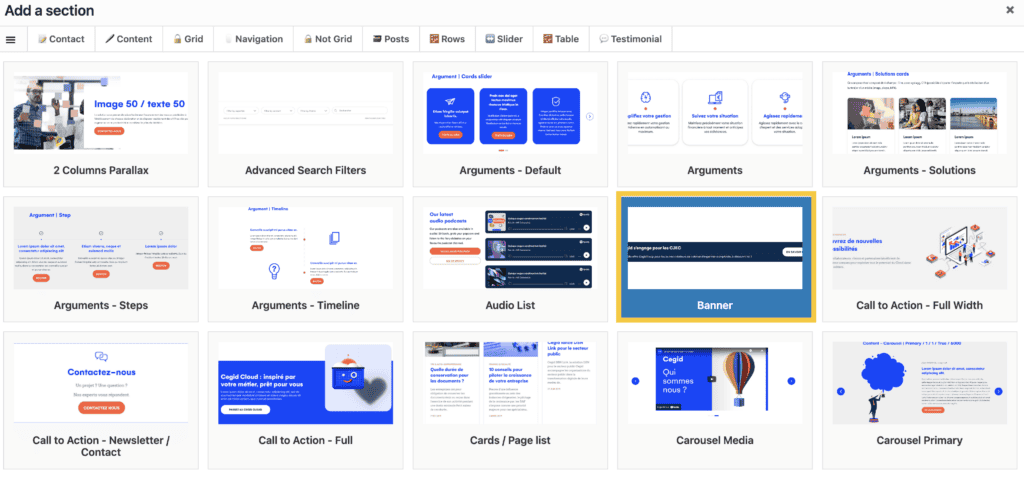
Banner
You can create banners to promote an offer, announce an event, or push external/internal links such as access to product support or a product login link.
This component lets you create a single banner that you can place on different pages. If a change is made to the banner, it will be updated on each page on which it appears.
Process :
Banners are created in the ‘Banner’ menu in the back office
- Create your banners using the ‘Grid Builder’ or ‘Call to action’ component
- You can then integrate them into your pages either via the ‘Banner’ section of the page builder (it will appear in the header)
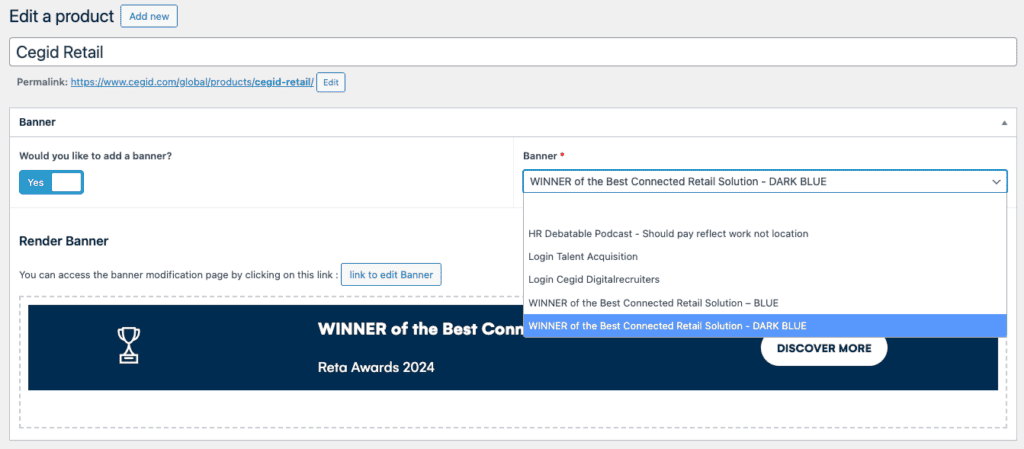
- Or via the ‘Banner’ component if you wish to place it elsewhere on the page